Find the extras
Choose photos only or photos and videos, then start your scan. Review groups as they appear, without waiting for everything to finish.
 Roomy
Make space for what matters. Find similar photos and videos, keep your favorites, and let go of the extras — without sending your library to anyone.
For iPhone and Android. Store release coming soon.
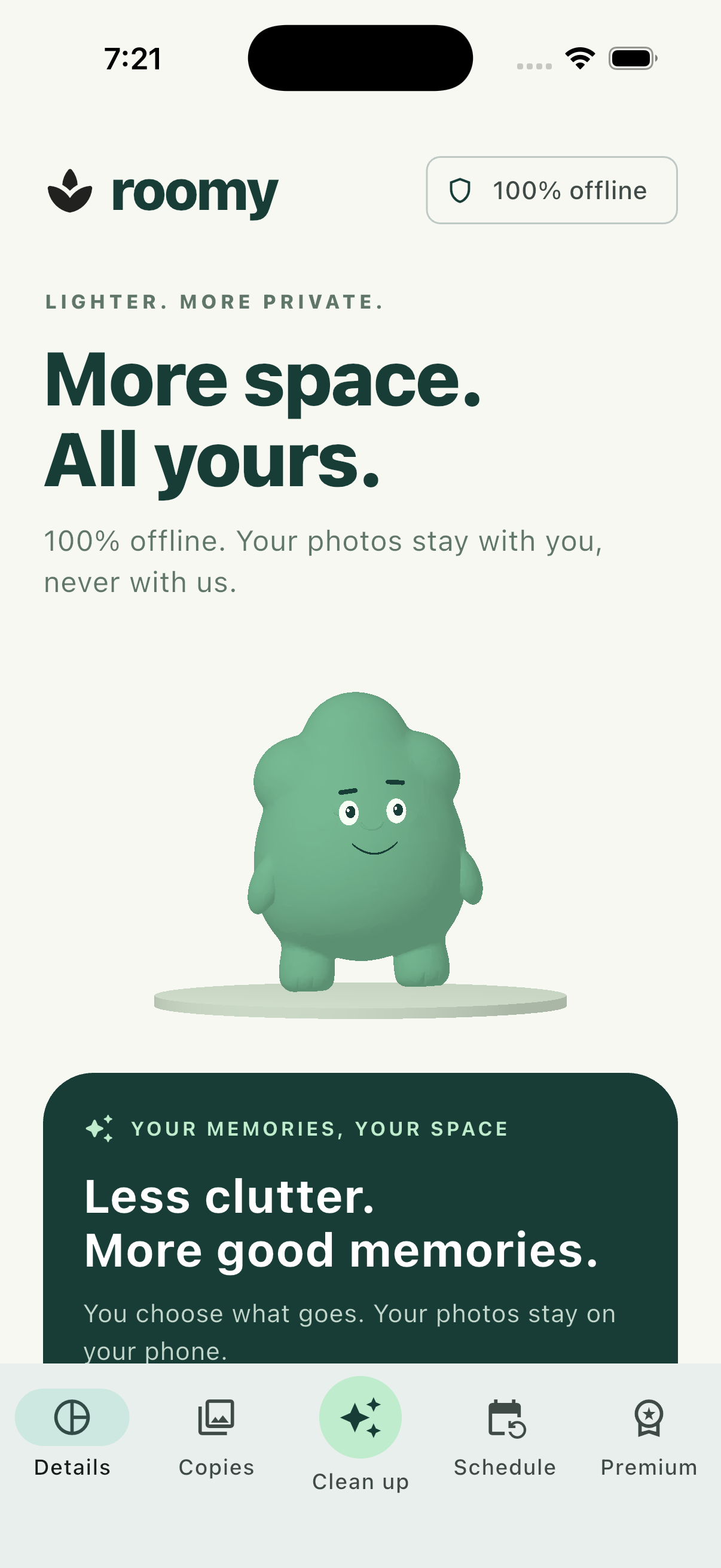 A real look inside Roomy
Roomy compares your locally available photos and videos on your device. No photo uploads. No account. No ads or remote analytics. Analysis and cleanup work offline, so your private moments stay yours.
Purchases and restoring Premium use your app store and require internet.
Choose photos only or photos and videos, then start your scan. Review groups as they appear, without waiting for everything to finish.
Open a group and choose what stays. Adjust similarity from 70% to 100% for your next scan. You always review before deleting.
Confirm the copies you want to remove. Roomy keeps the process clear, with progress on screen and your photos under your control.
Remove the daily cleanup limit, schedule daily or weekly checks, and keep storage information close with a Premium widget. Explore the benefits inside Roomy.
No. Photos, videos and scan results are processed on your device. Roomy does not download cloud-only originals for analysis.
Not always. Cloud optimization, shared storage and Recently Deleted or Trash affect the space actually recovered. Roomy does not replace missing original sizes with thumbnail sizes.
Roomy compares duration and five scenes from each locally available video. It does not compare audio. Play and review your videos before deciding what to keep.
Roomy helps review your media library and shows storage information allowed by the operating system. It cannot access other apps’ private files or remove system caches. The operating system also controls when scheduled checks can run.